App desktop portable
Téléchargement direct — icône barre système, installation de l'agent, interface web locale orange (HTTP + WebSocket sur le port 17890).
 Gestionnaire d'impression métier
Service local pour postes guichet. Contrôle du quota d'impression, vérification d'empreinte document et démarrage automatique à la connexion.
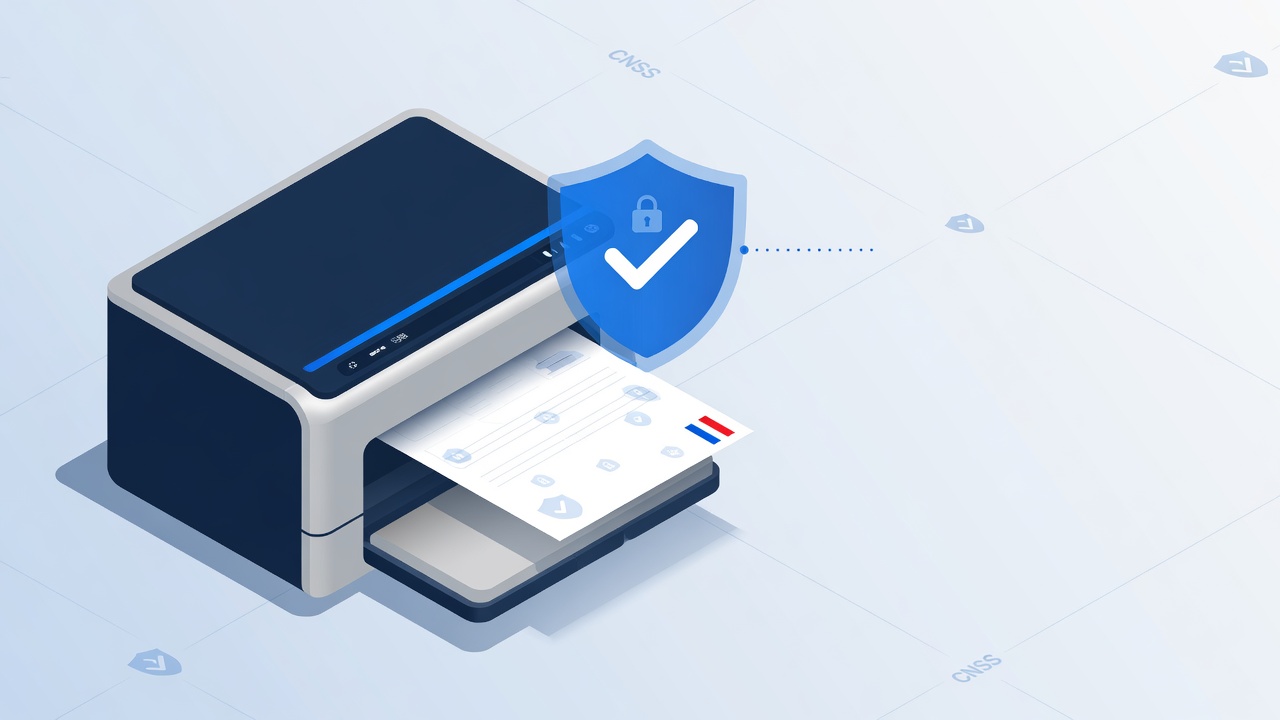
La commande terminal installe l'app desktop. Dans l'app : installez l'agent, puis ouvrez la vue web locale.
Téléchargement direct — icône barre système, installation de l'agent, interface web locale orange (HTTP + WebSocket sur le port 17890).
Ou via terminal :
PowerShell — poste guichet Windows x64
Terminal — détecte Intel ou Apple Silicon
Terminal — Linux x64 (AppImage)
Ouvrez l'interface locale sur le poste guichet : http://127.0.0.1:17890/ - configuration imprimante et journal d'impression.
curl http://127.0.0.1:17890/healthRéponse attendue : {"service":"likos-printer-manager/…","status":"ready","port":17890}
Télémétrie (optionnel) : définir LIKOS_PRINTER_TELEMETRY_URL et
LIKOS_PRINTER_TELEMETRY_TOKEN sur le poste guichet.
Origine PWA guichet : LIKOS_PRINTER_ALLOWED_ORIGINS=https://votre-guichet.tg
Une question sur l'installation ou l'impression guichet ?